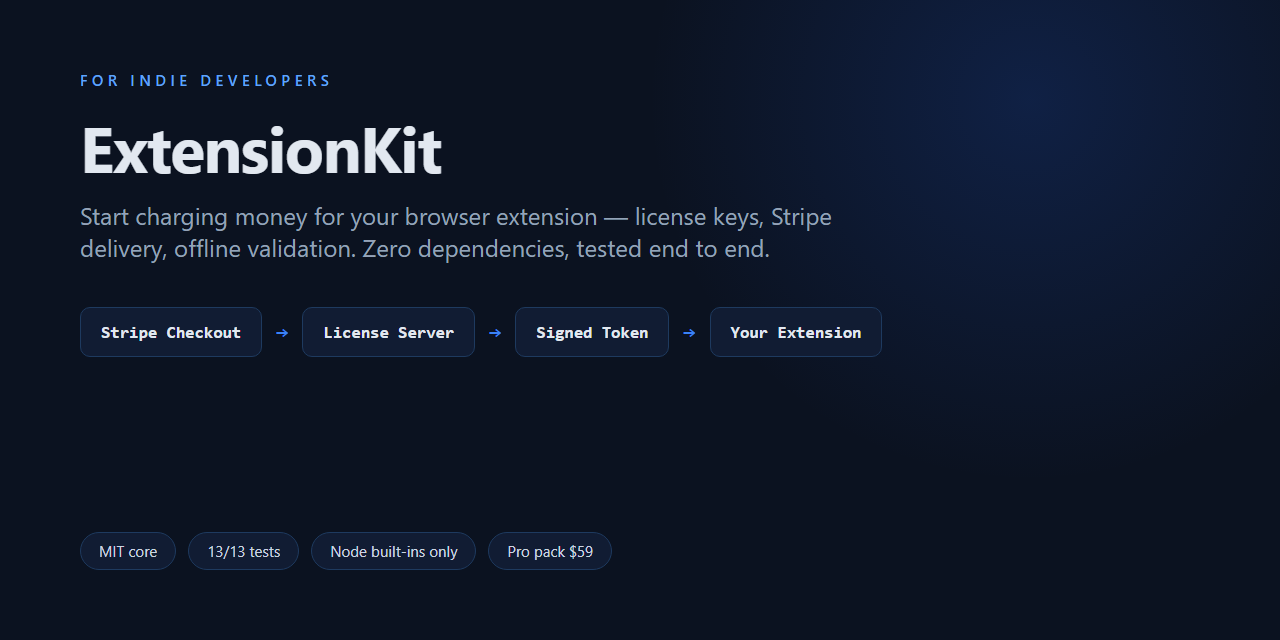
Start charging money for your browser extension — this weekend.
ExtensionKit is the payments & licensing plumbing every extension developer ends up rebuilding: license keys, Stripe Checkout delivery, offline validation, device slots. Zero-dependency server. Zero-build extension. Tested end to end.
Get the free core → See Pro packWhy this exists
Chrome killed its payment system in 2021. Since then, every developer monetizing an extension hand-rolls the same week of work: webhook signature verification, replay protection, offline grace periods, device management, activation UX. ExtensionKit is that week, done, documented, and covered by tests — so you ship your product instead.
What you get
💸 Stripe → license key, hands-off
One Payment Link + one webhook. Every payment automatically mints a human-friendly key (XXXX-XXXX-XXXX-XXXX, ambiguous chars removed).
✈️ Offline-first validation
Cached HMAC-signed tokens keep users licensed on planes and in tunnels. Silent revalidation, bounded revocation window.
📱 Device slots, self-serve
3 devices per key by default; users free slots themselves. No "please reset my license" emails.
🧩 Zero dependencies
The server is Node built-ins only — no npm install, no supply-chain audit. The extension is vanilla MV3 — no build step.
✅ Actually tested
13 end-to-end tests: activation limits, token forgery, webhook replay, admin auth, rate limiting. npm test and watch them pass.
📘 Deploy in an afternoon
Step-by-step guides for Railway/Fly/$4-VPS, Stripe wiring, and customization. MIT licensed core.
Five minutes, running locally
git clone https://github.com/difeizheng/extensionkit.git
cd extensionkit/server
cp .env.example .env        # paste a generated LICENSE_SECRET
node src/index.js           # → http://localhost:8787  (no npm install)
Load the extension/ folder in Chrome, point it at your server, activate a test key.
Full walkthrough in docs/getting-started.md.
The admin panel you get
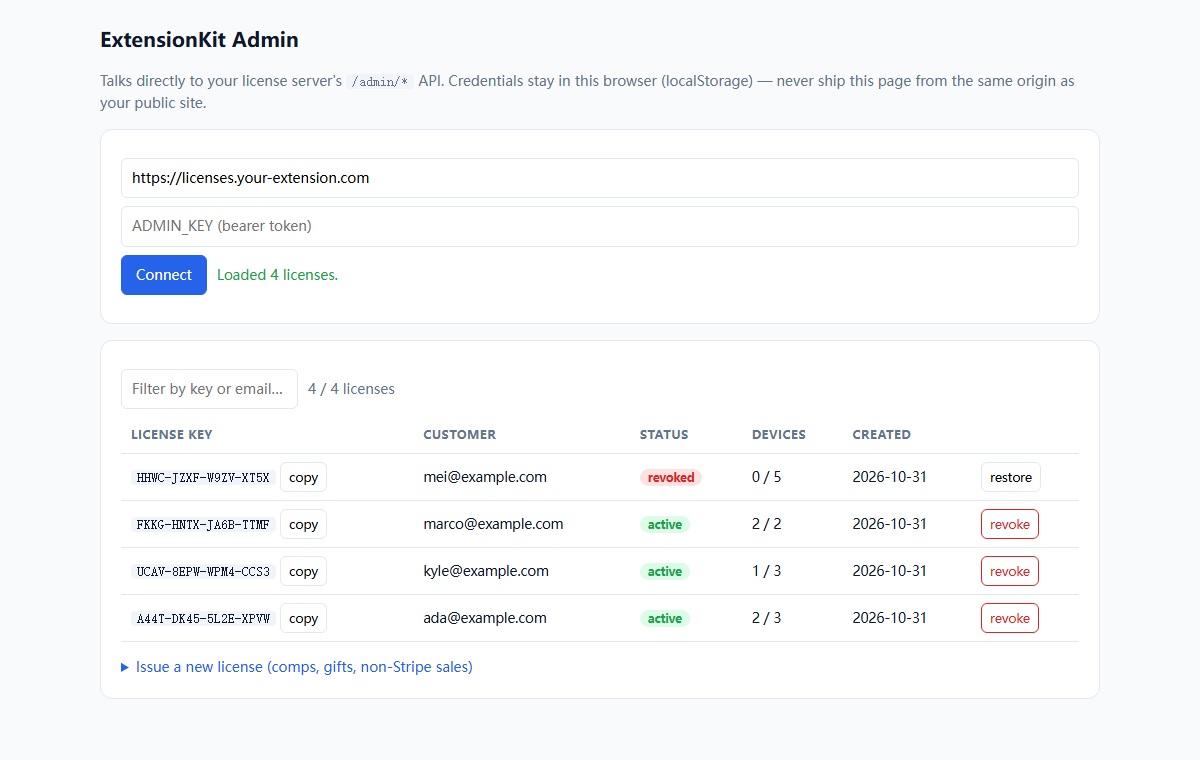
Both paid tiers ship this page: issue, revoke, restore and refund license keys from a browser — no SQL, no support tickets. It is the piece that turns "I made a key once" into "I run a product".
Pricing
| Free core | Pro pack | Done for you | |
|---|---|---|---|
| $0 | License server + reference extension + full docs, MIT licensed. | $59 one-time | $129 one-time |
| Everything on GitHub. | Admin dashboard page (issue / revoke / refund keys, no SQL) Subscription-aware webhooks (monthly keys that renew) Chrome Web Store listing templates + launch checklist Customer email templates Setup video walkthrough | I do the whole week for you. License server deployed on your host Payment webhook wired to mint keys on purchase Activation + device slots + offline validation integrated into your existing extension Admin panel + handover docs 48-hour turnaround · 30-day refund | |
| Buy the Pro pack (30-day refund, no questions) | Hire me — $129 中文版 ¥899 · 48 小时交付 |
Already have a working extension and no patience for plumbing? The Done-for-you tier is the same code, delivered and wired for you — see ExtensionKit Integration.
Prefer email? Need an invoice, a contract, or RMB invoicing? Write to zhengdifei@gmail.com instead of checking out — I reply within a day.
Payment methods: the checkout page takes international Visa/Mastercard, PayPal, Apple Pay and Google Pay, and shows the price in your own currency. WeChat Pay and Alipay are handled by email instead — keys issued by hand, same 48-hour / 30-day-refund terms.
中文用户看这里:结算页会按你的地区把价格换算成当地货币,可以直接刷国际 Visa/Mastercard,或用 PayPal、Apple Pay / Google Pay 付款;微信和支付宝请走邮件——发邮件到 zhengdifei@gmail.com,我手工发码,流程与英文版完全一致(48 小时交付 / 30 天无理由退款)。需要开发票、签合同、人民币报价的,同样走邮件。